Your phone is
the build machine.

This is the machinery underneath Wishware: a complete Android and Linux development environment running on the phone itself. Real PTYs. Real AI CLIs. Real toolchains. Source to installed app without a remote build server.

Want to feel it rather than read about it? Blackwall powers Wishware, and Wishware is a free download.

  • OpenGL ES shell
  • Real PTYs
  • Codex + Claude
  • Android + Debian
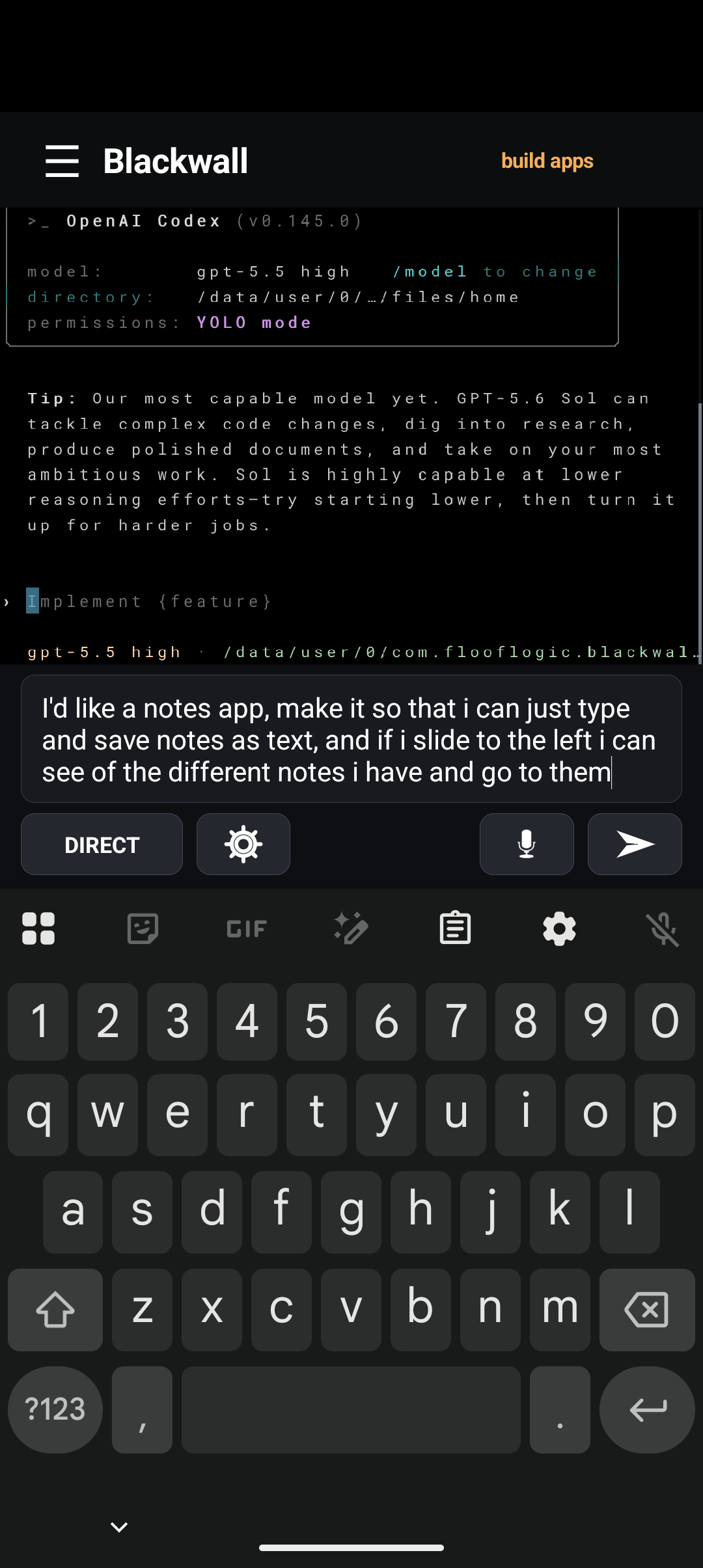
Blackwall running Codex while it implements the Tiny Notes Android app in the emulator.
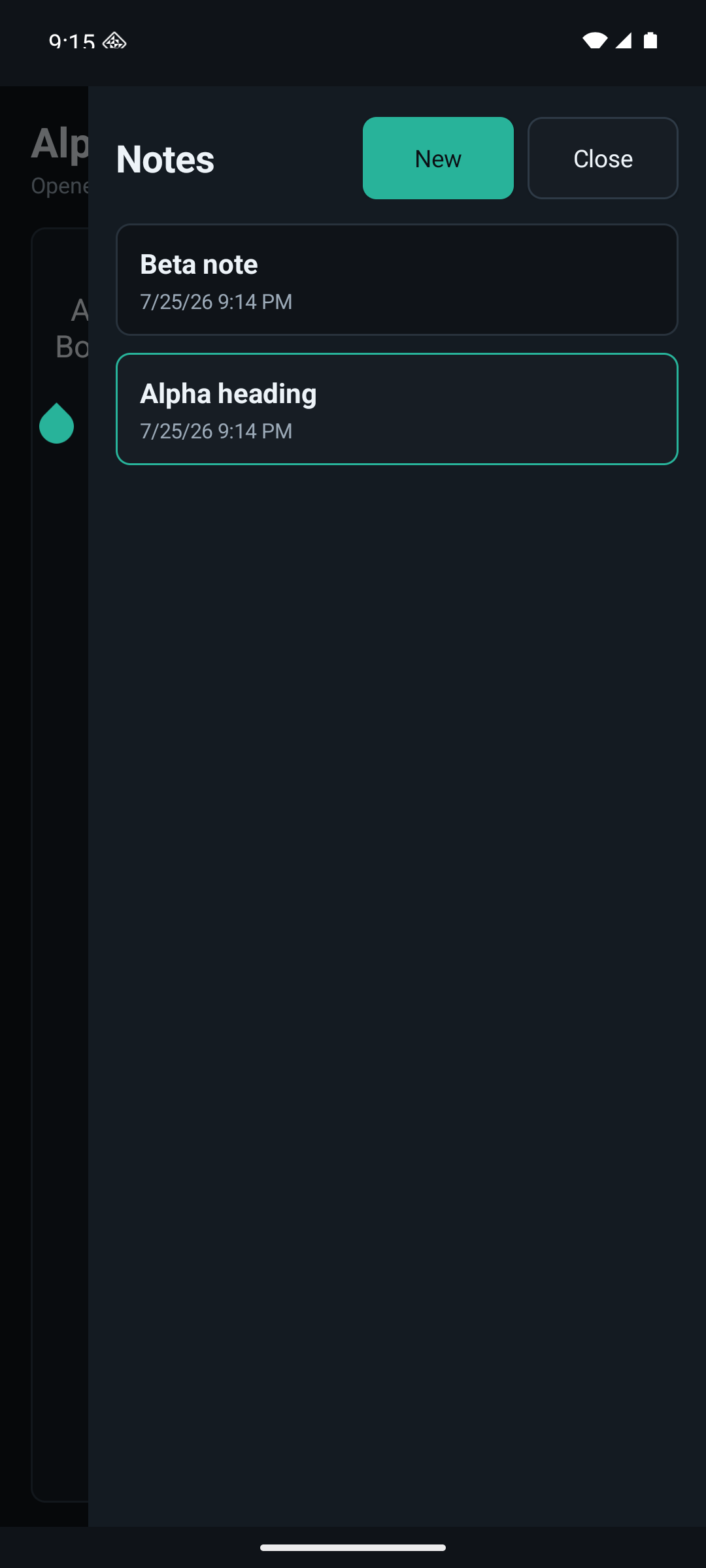
The finished Tiny Notes app built through Blackwall, open as a normal Android app.

Real processes. Real tools.
One device.

Blackwall does not simulate a terminal or send commands to a hidden build server. It gives AI real processes, real development tools, and a real operating environment on the device.

A native surface, not a skin.

Blackwall owns the OpenGL ES terminal renderer and native terminal state. It is not a WebView, remote console, or themed wrapper around somebody else’s terminal.

  • GPU-rendered terminal surface
  • Phone-native keyboard and focus behavior
  • One-to-one touch scrolling and selection

Real tools over real PTYs.

Codex, Claude, and raw shells run as actual command-line processes. Direct terminal control and a chat-style composer are two views into the same honest environment.

  • Raw shell, Codex, and Claude modes
  • Direct input plus voice and composition
  • No fake command surface or hosted executor

AI work becomes durable.

Sessions can be started, switched, disconnected, and resumed. tmux-backed durability keeps agents working when the screen changes or the phone goes back in your pocket.

  • Parallel Codex, Claude, and shell sessions
  • Resume instead of starting over
  • Notifications only when action is required

Source becomes an installed app.

Blackwall connects the Linux development environment to Android’s real installer and launcher. The same phone edits, compiles, packages, signs, installs, and runs the result.

  • Verified Android SDK and Java toolchain
  • Focused App Builder or full Debian
  • Local APK installation and launch

The whole development boundary, on one device.

Blackwall crosses the complete path from AI intent to real process execution, Linux tooling, native Android build, and installed application—without handing the work to a remote build service.

1 PHONE

the development machine

0 BUILD SERVERS

compile · package · sign · install locally

FULL DEBIAN

a real Linux userspace

REAL ANDROID SDK

Java · Gradle · build-tools

SOURCE → INSTALLED APP

without leaving the device

30.9s

full native app build on Spike

Measured build proof 30.9s full app build on Pixel 10 Pro 7.2s warm app rebuild on Pixel 10 Pro 29/29 final acceptance checks

Measured by Blackwall’s on-device build ledger on Spike, a Pixel 10 Pro: Spike Clock completed a full build in 30.952 seconds; NFC Swapper completed a warm rebuild in 7.294 seconds. Dated measurements, not performance guarantees. Results vary with project, phone, and toolchain state.

Ask → build → install → refine.

“Make me a notes app where I can create and save notes. Start it with five examples and let me swipe left to browse them.”

Start with the whole idea.

Describe the behavior plainly. Blackwall gives the agent a real project, a real terminal, and the tools required to turn the request into software.

The exact Tiny Notes prompt typed into Blackwall in an Android emulator.

Codex gets the whole workshop.

It edits native source, checks the icon and metadata, runs the local Android build, and hands the signed APK to Android’s installer.

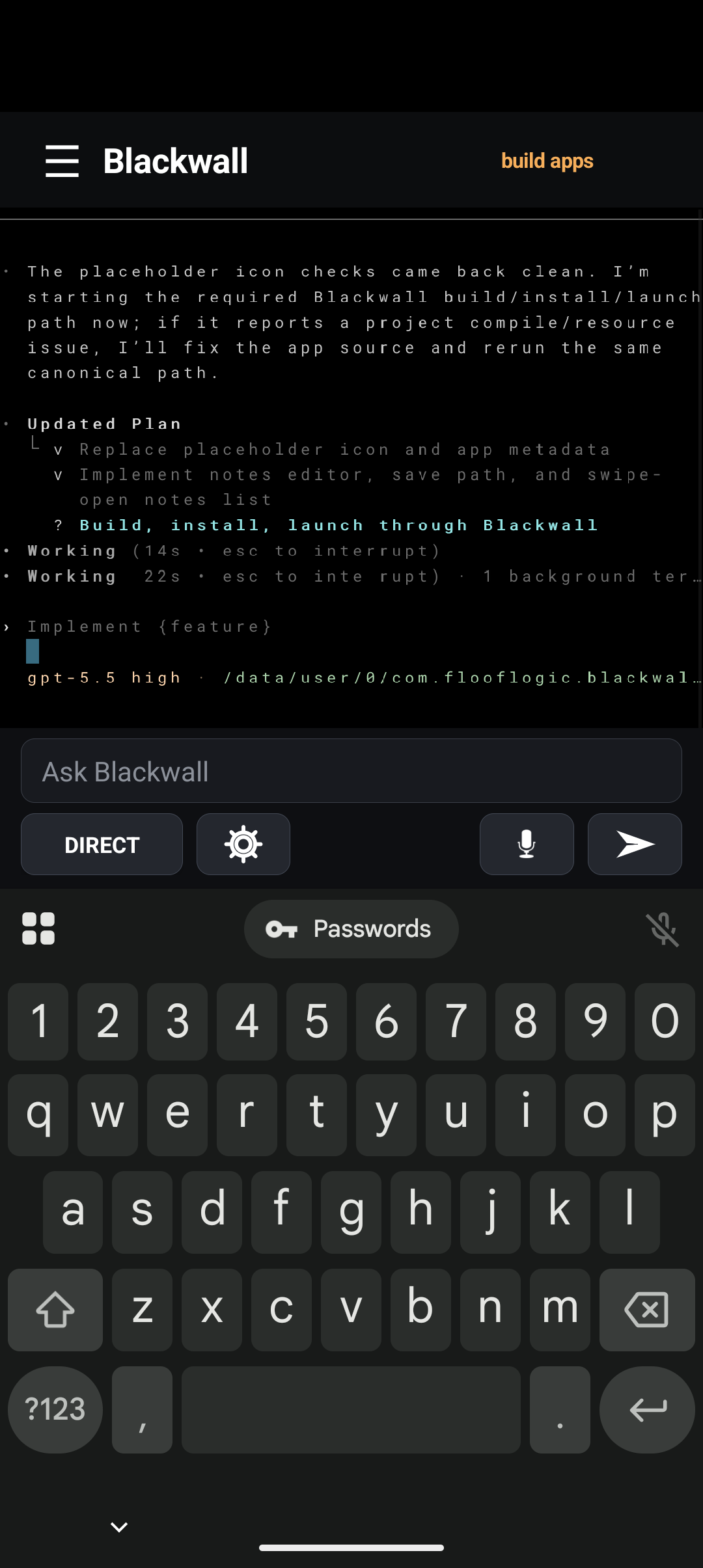
Codex editing Tiny Notes source and handling Android keyboard behavior inside Blackwall.

A normal app—and a real iteration loop.

Install it, launch it, test it, refine it. Tiny Notes is a separate Android package with zero requested permissions, private text storage, five playful starter notes, and a swipe-out browser. We caught the focused-editor keyboard edge case in the emulator, fed it back to the same Codex session, rebuilt, and reinstalled.

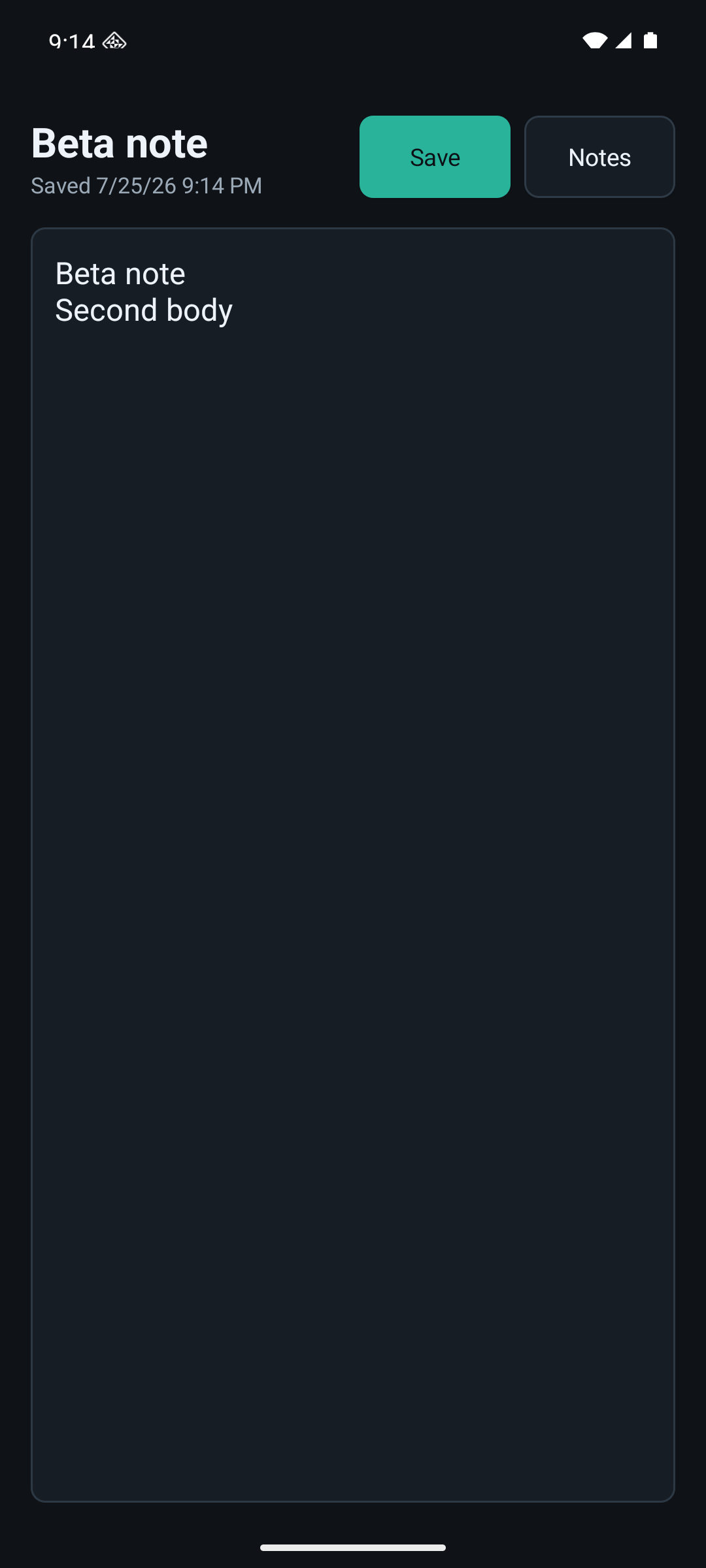
Tiny Notes showing the saved Tiny Claw note.
Tiny Notes showing the clean swipe-out browser with all five playful notes.

The shell is part
of the product.

Blackwall is not a desktop terminal squeezed into a small rectangle. The native shell makes long-running AI work feel at home on Android while the tools underneath stay real.

Speak the prompt.

Transcribe an idea, edit it in the composer, and send it into the same durable session.

Direct when you want it.

A native GPU terminal sits over real PTYs, with chat-style input and direct terminal control one tap apart.

Walk away. Come back.

Durable tmux-backed work survives the screen, while notifications appear only when action is actually required.

The computer is right there.

Blackwall does not require a Floof Logic build service, package mirror, command proxy, or proprietary dependency gateway. The project, toolchain, and execution boundary stay on the device.

Your ideaplain language
BlackwallCodex + real tools
Your appinstalled locally

Public upstreams

Codex and development tooling come from public sources or shipped artifacts—not a Floof Logic mirror.

Your credentials

Authenticate with the actual CLI providers and keep the development boundary on the device.

Your environment

Use the low/no-dependency app defaults, or install more when your project genuinely calls for it.

“Local” means the project, toolchain, compilation, packaging, signing, and Android installation execute on the device. AI inference and public dependency downloads still use their upstream network services.
We’ve been putting AI where it supposedly doesn’t fit for a while.

Our first project put a local generative model, Whisper, speech synthesis, and an animated character into an iPhone in 2023.

Read the Barkimedes story

Blackwall is proprietary Floof Logic technology, and it is not sold as a product. If you are building something where it belongs, write to us.